
Remote help for dental CAD and the digital lab
When a case is stuck, the software shows an error or a workflow stops working, a remote session with AnyDesk solves it on your own computer while you follow every step. Support covers dental CAD, 3D printing and the software used in the lab.
What support covers
CAD cases in exocad and Blender for Dental
A design that will not close, a margin that is hard to trace, connectors that stay red, a library that does not load. The case is solved together on your screen, and you see each step so you can repeat it on the next case.
Software setup and errors
Installation, licenses and dongles, implant libraries, material settings, export paths and error messages in exocad, Blender for Dental and the tools around them.
3D printing and resin workflows
Failed prints, exposure settings, supports and orientation, slicer configuration and calibration of MSLA printers for models, splints and guides.
Scanners, portals and file exchange
Connecting intraoral scanner portals, receiving and sending cases, file formats and folder structures that keep cases easy to find.
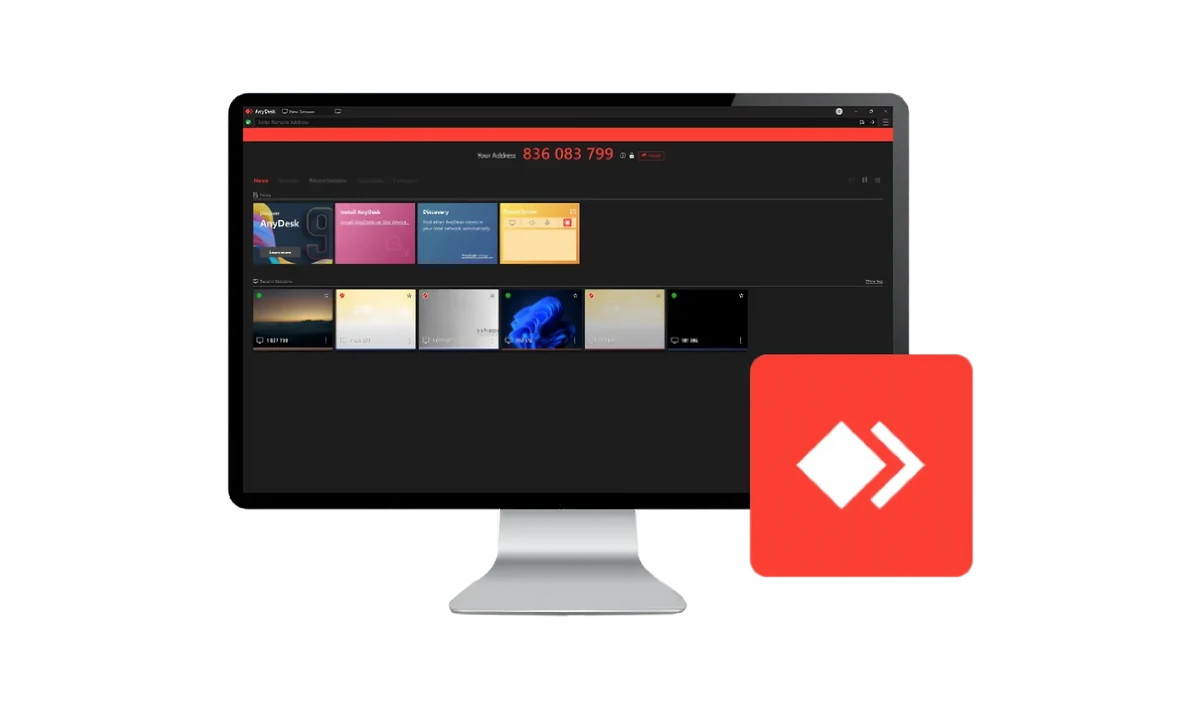
How a remote session works
-
Describe the problem
Send a short message on WhatsApp or by email with what happens, the software version and, if possible, a screenshot.
-
Open AnyDesk
AnyDesk is a remote desktop program. Download it, open it and send the ID shown on the screen.
-
Solve it together
You accept the connection and follow everything on your screen. You can end the session at any time.
When one session is not enough
Problems that come back on every case usually have their cause in the workflow. Workflow consulting or training for the team can remove them, and single cases can be sent for design.